Amal
Arabic reading aloud and pronunciation correction for kids.
Open AmalThe best Arabic learning app for kids is not the one with the most lessons. It is the one that helps a child read out loud, hear corrections, and build a home routine that sticks.
Amal offers Arabic read-aloud practice using recognized-word feedback, within documented limits.



Choose the path
If Arabic reading aloud is the goal, start with Amal. If Quran memorization is the goal, move to Thurayya.
Arabic reading aloud and pronunciation correction for kids.
Open AmalThurayya listens to your child, corrects every ayah, and recites the whole Juz Amma.
Open ThurayyaSee the difference before you choose.
View the comparisonAmal is designed from the ground up for Arabic sounds, letters, and reading flow so children learn correctly from day one.
Children read aloud and receive instant correction that helps them improve confidence and fluency faster.
Ad-free, child-first design with gamified lessons keeps learning fun while protecting attention and focus.
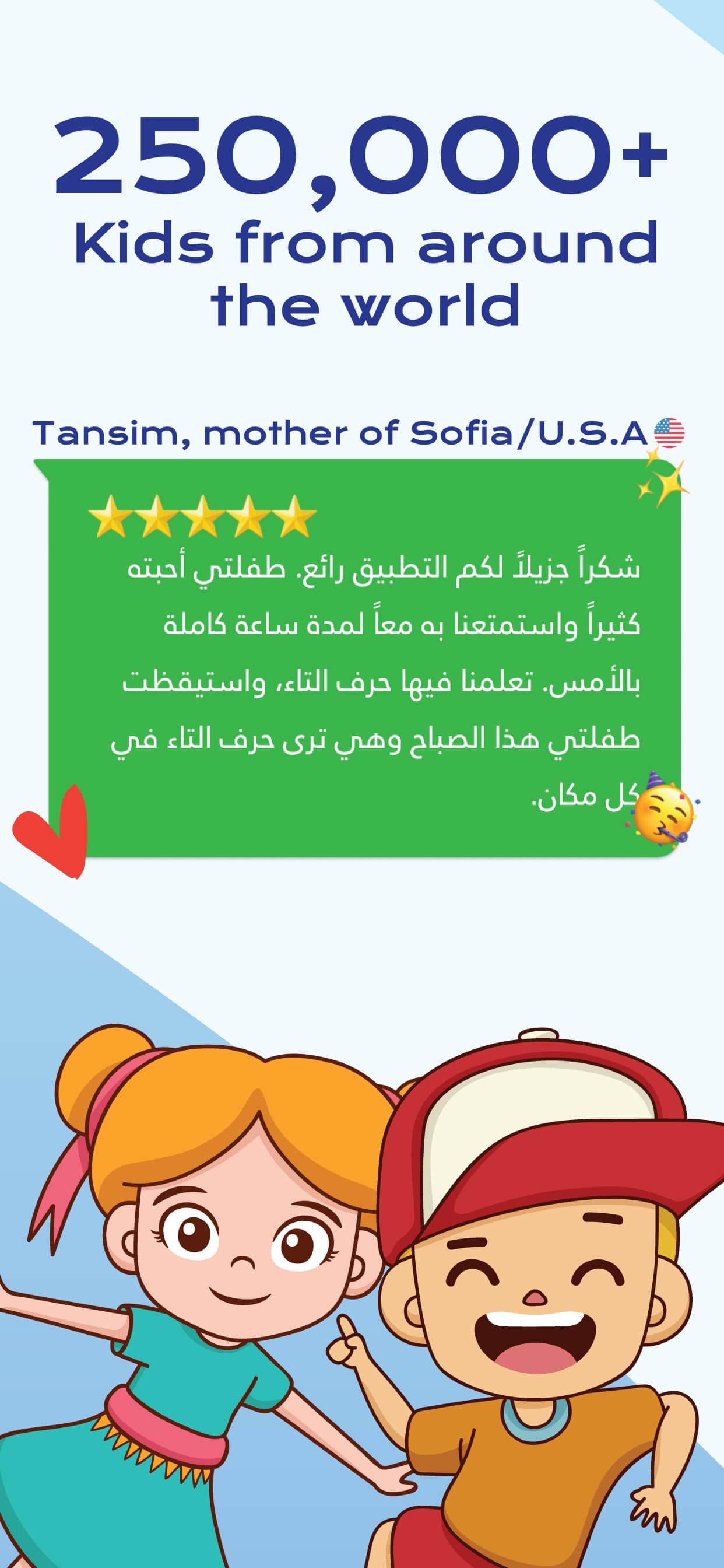
95K+
Students and families
50+
Countries reached
100K+
Learning elements
10K+
Words and sentences taught
“Check current store and product records before relying on ratings or outcome numbers.”
Fatima Al-Rashid
Parent of 2 · Saudi Arabia 🇸🇦
“Finally, an app that makes learning Arabic fun. My son asks to play Amal every morning!”
Ahmed Hassan
Father · Egypt 🇪🇬
“The AI pronunciation feedback is a game-changer. My kids' accent has improved dramatically.”
Layla Ibrahim
Mother of 3 · UAE 🇦🇪
“Worth every penny. The curriculum is comprehensive and the gamification keeps my kids engaged.”
Omar Al-Kuwaiti
Parent · Kuwait 🇰🇼
“As a teacher, I recommend Amal to all my students. The progress tracking is excellent.”
Mariam Al-Zahrani
Arabic Teacher · Qatar 🇶🇦
“Check current store and product records before relying on ratings or outcome numbers.”
Aisha Mohammed
Mother · Bahrain 🇧🇭
“Best Arabic learning app we've tried. The parent dashboard helps me track progress easily.”
Khaled Al-Otaibi
Father of 4 · Saudi Arabia 🇸🇦
“No ads, no distractions. Just pure learning. Exactly what I wanted for my kids.”
Sara Al-Mansoori
Mother · UAE 🇦🇪
“The boss battles are genius! My son treats Arabic practice like a video game now.”
Yusuf Al-Dossari
Parent · Saudi Arabia 🇸🇦
“Living abroad, this app keeps my children connected to their Arabic roots. Amazing!”
Noor Al-Hashimi
Mother · USA 🇺🇸
“The variety of exercises keeps my daughter engaged. She's learned over 500 words!”
Hassan Al-Ghamdi
Father · Saudi Arabia 🇸🇦
“Perfect for non-native speakers. My kids in Canada are now fluent in Arabic!”
Amina Khalil
Mother of 3 · Canada 🇨🇦
“The writing practice feature is outstanding. My son's handwriting has improved so much.”
Abdullah Al-Najjar
Parent · Jordan 🇯🇴
“I use Amal in my classroom. Students love the competitive challenges!”
Dr. Samira Fayad
Primary School Teacher · Lebanon 🇱🇧
“The speech recognition actually works! My kids get instant feedback on pronunciation.”
Tariq Al-Maliki
Father · Oman 🇴🇲
“From letters to sentences, the progression is perfect. My 4-year-old is thriving!”
Huda Al-Shammari
Mother · Kuwait 🇰🇼
“Safe, educational, and fun. Everything I want in a kids' app.”
Mahmoud Elsayed
Father of 2 · Egypt 🇪🇬
“The personalized learning adapts to my son's pace. He's never frustrated or bored.”
Rania Al-Habib
Mother · Syria 🇸🇾
“Best investment in my children's education. They're ahead of their classmates now.”
Saeed Al-Harbi
Parent · Saudi Arabia 🇸🇦
“My daughter's teacher asked what changed - it's Amal! Her Arabic reading is excellent now.”
Jamila Al-Qassim
Mother · UAE 🇦🇪
Amal offers Arabic read-aloud practice using recognized-word feedback, within documented limits.
Amal is free to download with optional premium content. The core experience remains safe, ad-free, and child-friendly.
Yes. Amal is available on both App Store and Google Play with one account for family usage.
Amal offers Arabic read-aloud practice using recognized-word feedback, within documented limits.
Yes, parents can follow their child's learning path and progress through structured levels and milestones.
Download Amal and begin personalized Arabic learning with engaging lessons and AI-powered guidance.